
Latest Updates - April 2026
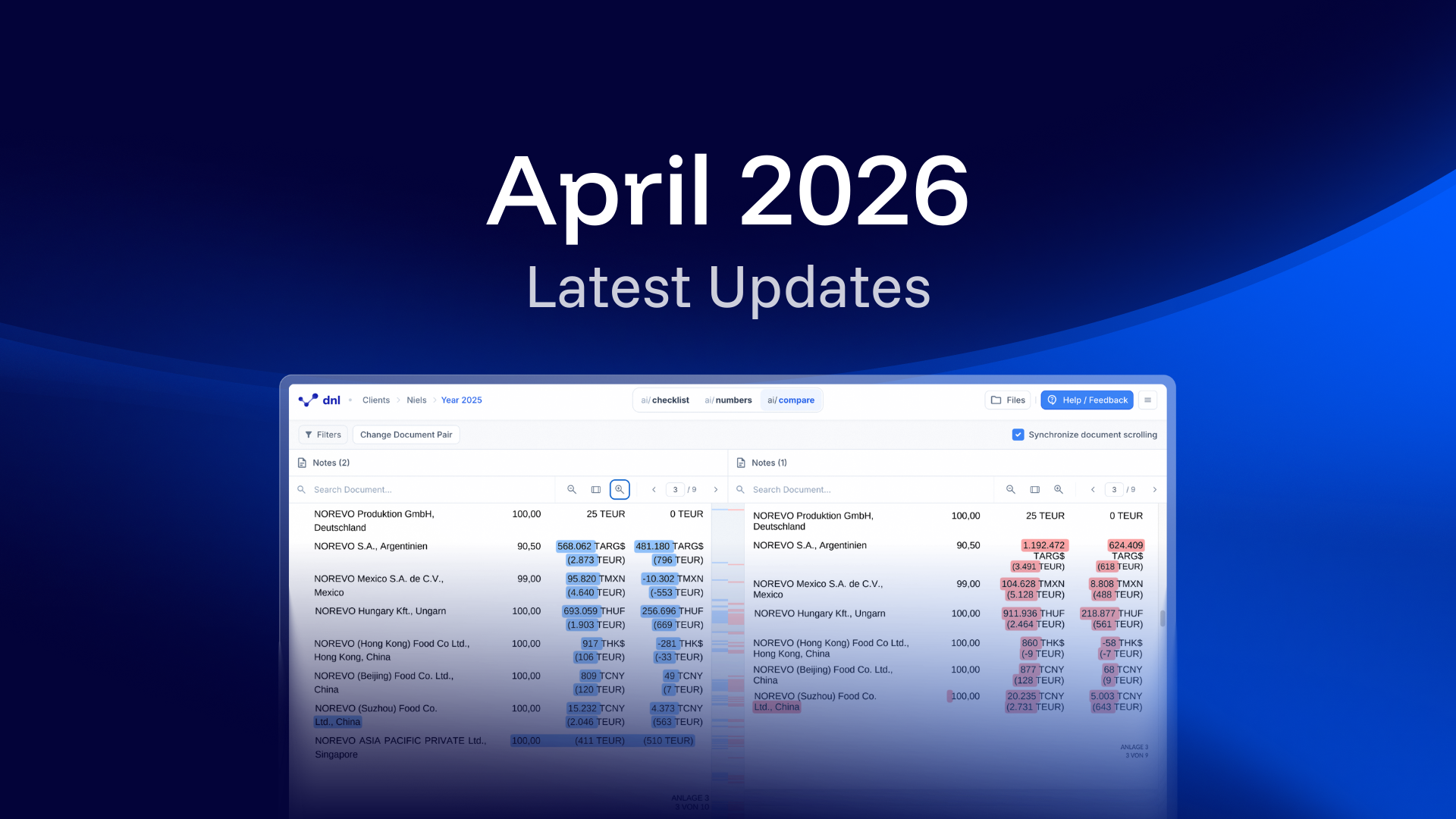
Improved Version Comparison with ai/compare
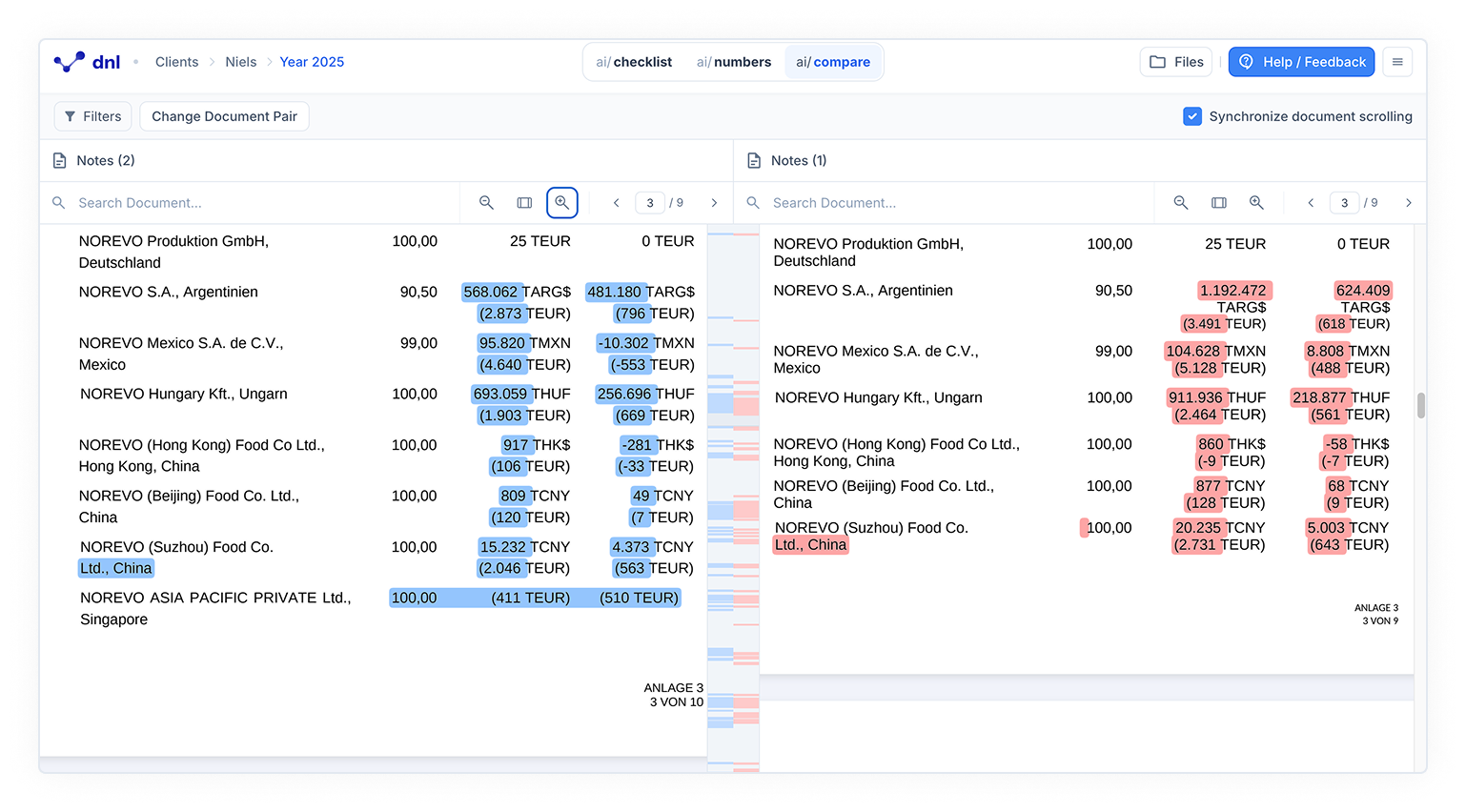
You can compare document versions side by side using ai/compare. Changes are clearly highlighted to help you review the document. New or updated content appears in blue, while removed content appears in red.
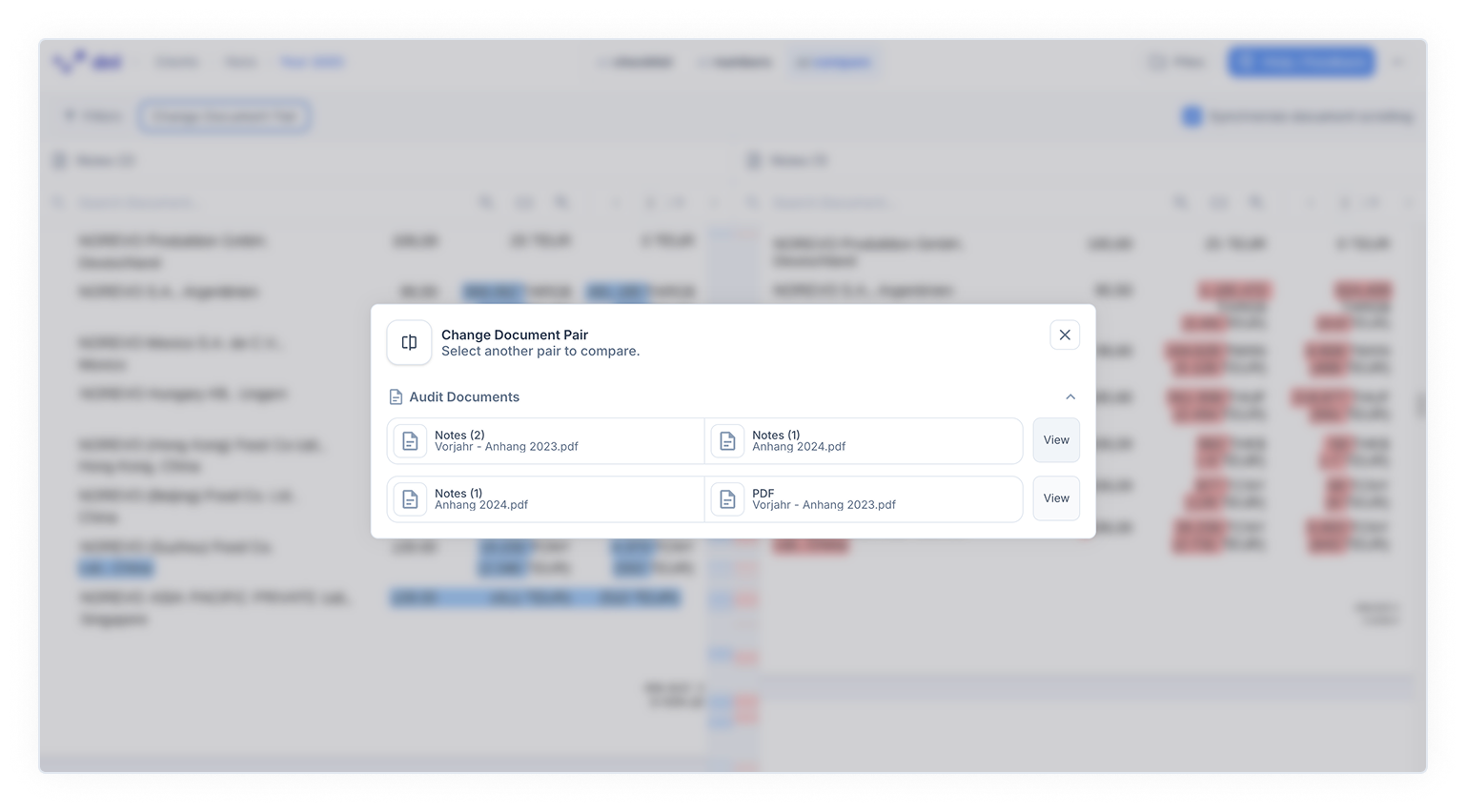
You can enable synchronized scrolling to move through both documents at the same time. This keeps the context aligned and improves navigation. You can switch between document versions directly without interrupting your workflow.
Access the feature directly from the top bar under ai/compare, next to ai/checklist and ai/numbers. It becomes available once you upload a new version.
Fully automated number validation
Number validation is now fully automated. Previously proposed numbers are now validated directly by the AI, saving you thousands of clicks. This frees you up to focus on tasks that require judgment. It saves time and provides greater certainty in the audit process.
More languages, Más idiomas, Plus de langues, Più lingue, Mais idiomas
You can now work in more languages. We’ve added Spanish 🇪🇸, French 🇫🇷, Italian 🇮🇹, and Portuguese 🇵🇹 as available languages. This makes your daily work easier and supports collaboration across international teams.
Methfesselstraße 43, 10965 Berlin,
Germany.

Co-funded by the European Union
The development of our ESG audit solution was made possible with support from the European Union.